Low Spec Browser Games — Runs on Any Computer
Lightweight games for slow computers, older laptops and school Chromebooks.
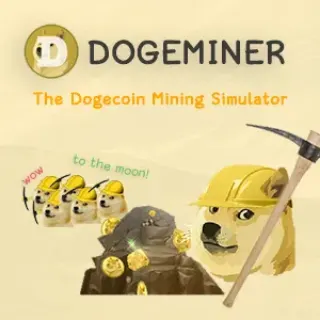
Low spec browser games are the safest choice when you are on an old laptop, a slow school Chromebook, a library PC or a computer with too many tabs already open. This page is built for searches like low spec browser games, games for slow computers and lightweight browser games. The list leans toward HTML5 puzzle, casual, classic and clicker games because they usually use simple graphics, small downloads and keyboard or mouse controls instead of heavy 3D rendering. 2048, Wordle Unlimited, Google Snake, Chrome Dino, Hextris, Twitch Tetris, 0h h1 and 0h n0 are the cleanest low-spec picks. Cookie Clicker, Doge Miner and Idle Zoo also work well because their loops are simple and mostly menu-based. Some arcade games like Flippy Fish, Drift Boss and Eggy Car are still light enough for quick runs, while bigger WebGL games are intentionally lower in the order. No download is required, so there is no risk of installing a heavy client on a machine that cannot handle it. For best performance, close video tabs, keep the browser updated, and use fullscreen only if the game benefits from it. If your device struggles with 3D games like Slope or Drift Hunters, start with 2048, Wordle Unlimited, Chrome Dino or Google Snake instead. Start with these simpler games and check how they perform on your device.
Low Spec Browser Games (75)


 Hot
Hot
 New
New



 New
New
 Hot
Hot Hot
Hot Hot
Hot Hot
Hot Hot
Hot Hot
Hot New
New New
New New
New New
New New
New New
New New
New New
New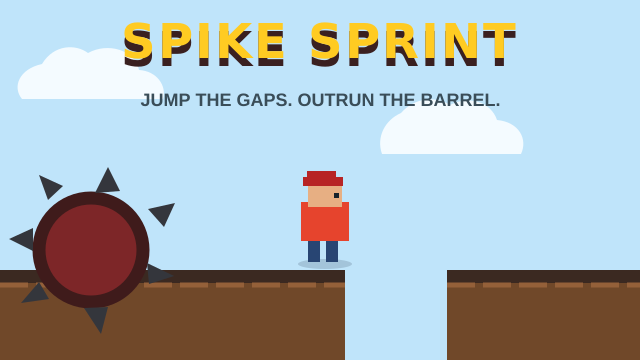 New
New New
New